
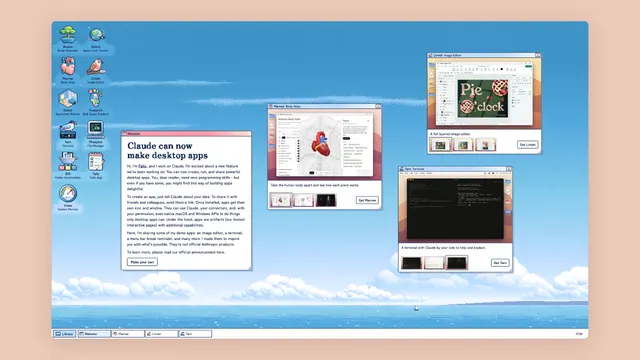
Anthropic began rolling out “Install as app” on November 24, turning Claude artifacts into Mac and Windows apps. They can use Claude and connectors, but Claude requests consume the user’s plan allowance.
Artifacts are interactive tools created with Claude. To install one, update Claude Desktop and use the artifact’s Share menu.
Access and permissions
Apps need an internet connection and a signed-in Claude account. The beta covers all plans, excluding HIPAA-ready organizations and hybrid deployments. Enterprise owners must enable it; Team has it on by default, with full access off. Organizations using customer-managed encryption keys or organization-wide zero data retention start with all three app settings off. Zero data retention does not cover these apps. Claude Docs, Slides and Sheets cannot be installed.
Default permissions stay within browser capabilities. Additional permissions allow features such as notifications; full computer access allows programs to run and files to be read, changed or deleted without asking each time.
Updates require permission again, although embedded third-party content can change without another prompt. Full access is limited to apps you created or, on Team and Enterprise, apps from your organization. Anthropic does not review installed apps.
Company device policies can further restrict access; the stricter device or organization rule applies. Disabling a setting can take about an hour, and detached programs may keep running. Compliance logs cover opening and access checks, but not installs, permission answers or computer activity.