

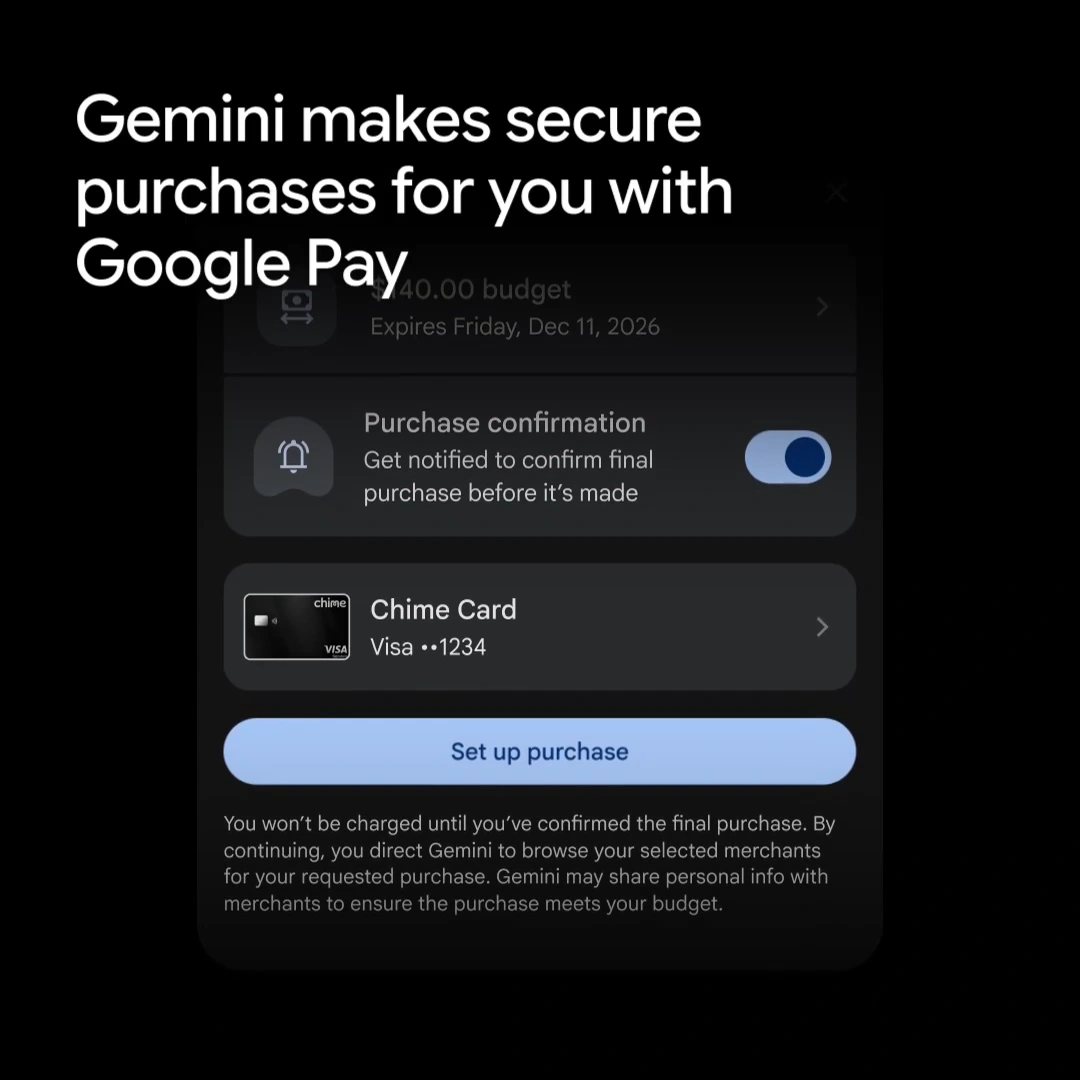
The purchase setup in Gemini has a switch labeled “Purchase confirmation.” Google leaves it on by default. When the assistant has an order ready, it sends a notification so the shopper can look it over and approve payment. Switch it off for a task and the shopper authorizes the purchase in advance. Gemini can then place the order if it finds a match, with no separate request for approval.
Google began rolling out Google Pay checkout in Tasks in the United States on November 17. The app’s Tasks mode can keep working after a shopper closes it, including looking for a restock. Google opened free access to Tasks in six countries, while the new checkout feature is rolling out first in the U.S. For shoppers who can use it, leaving the confirmation switch on gives them a chance to see exactly what they would be buying.
A product description becomes an order
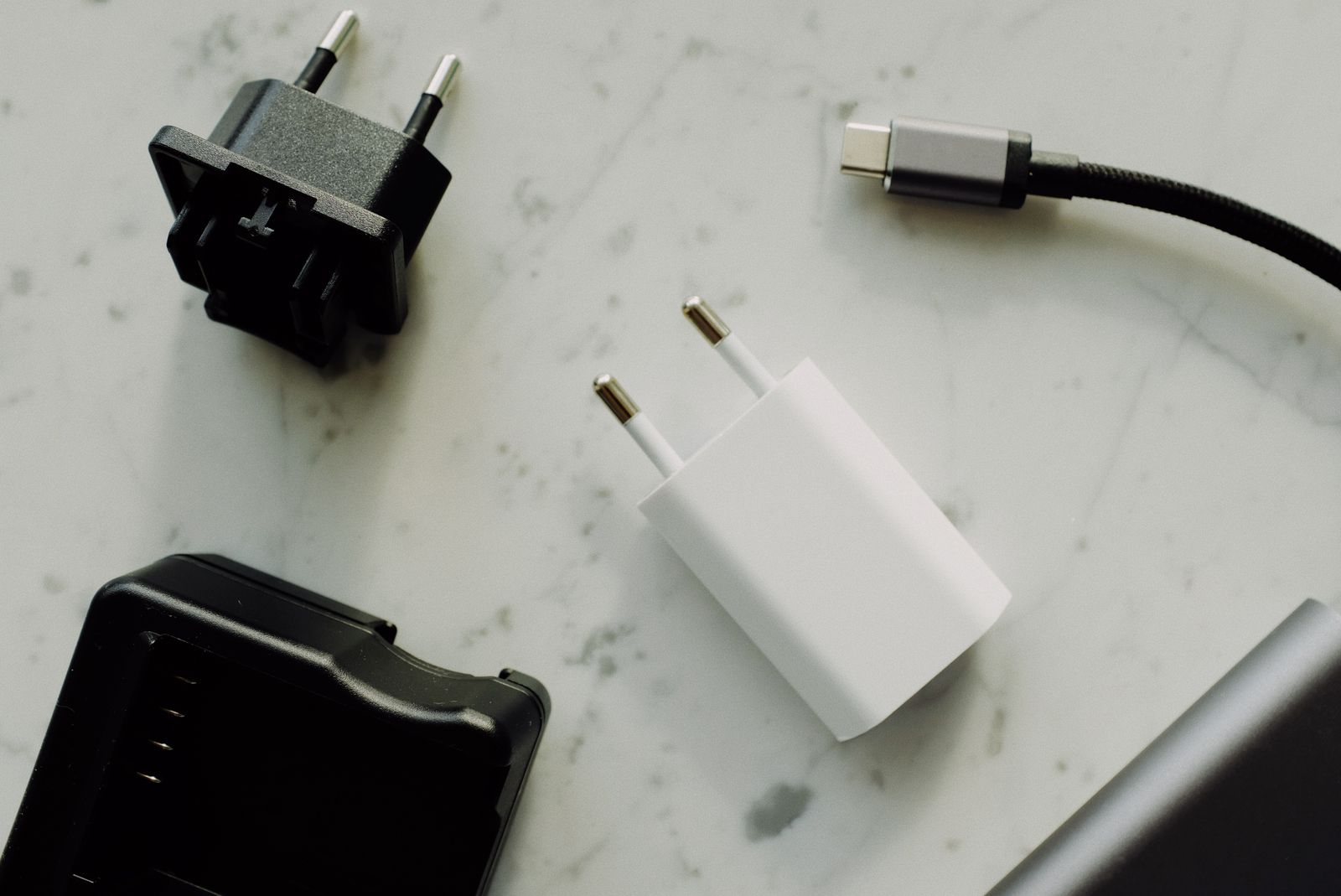
Google executive Josh Woodward described asking Gemini to help find a USB-C charger for a trip. He says it compared options, asked about wattage and color and helped him check out through Google Pay. The questions did real work in that example. A charger can fit the connector and still fail to deliver the power someone expects from it. Even a simple shopping request can hide a choice that matters to the person who will use the item.
Y Kobayashi, writing for XenoSpectrum, drew attention to a difference between Google’s release notes and the purchase instructions in its Help Center. The release notes describe reviewing an itemized order and authorizing it on a device. The Help Center also describes the option to grant permission before any cart exists. The first path lets the shopper weigh a specific offer. The second asks the shopper to describe an acceptable offer well enough for the assistant to recognize it later.
There was already a way to buy from eligible merchants inside Gemini chat. In that flow the shopper picks a product from the results, opens checkout and pays with Google Pay. The new purchase task can begin before a particular listing is available, and the shopper can decide upfront whether to return to review it.
The purchase guide says the setup shows the goods to buy, which merchants Gemini can use, a maximum budget of up to $1,000, a deadline within 14 days, a payment method and a shipping address. If the purchase is incomplete when the deadline arrives, the task expires. The feature is rolling out in English for U.S. adults using a personal Google Account. Google requires an enabled Gemini History setting and a payment method in Wallet. Browser access also needs the shopper’s permission if it was unavailable to Gemini. Those permissions let the service look for the product and give it a way to pay. Each task still has its own reviewed item, list of allowed merchants and maximum spend.
With confirmation on, Gemini can do much of the searching while the final offer is still open to judgment. The shopper can see whether the seller is familiar and look at the details actually included with the order. Woodward’s post also describes a separate grocery request that Gemini handed back to him in Instacart for checkout. That example shows how a task can save time even when the right place to finish it is the retailer’s own app.
When waiting is the work
A replacement filter is a good example of a purchase that can be defined before seeing the cart. For a household that already knows the filter’s model number and routinely buys it from the same store, the work may consist of checking for stock at the agreed price. If availability is brief, a notification could arrive at the one moment the shopper cannot respond. Advance authorization has a purpose there. Amazon already describes a similar reason for its Alexa for Shopping auto-buy feature, which can place an order when an item reaches a target price.
Price alerts make a useful comparison. Amazon describes both alerts and auto-buy, and the two address different kinds of waiting. An alert moves the work of checking prices to the assistant. It leaves the decision to spend with the shopper, who may see the message after a short-lived offer has gone. Auto-buy moves that decision earlier so the system can act on a price it sees later.
A charger bought for an imminent trip is a harder case. Two listings can describe the same wattage and price while differing in whether a cable is included, who fulfills the order and how quickly it can arrive. The expiration date on a Gemini purchase task tells the service when to stop trying to buy. Someone who needs the package before departure has a reason to inspect the shipping estimate and seller’s terms in the actual offer, especially when several otherwise suitable items are available.
A spending limit conveys only one part of the decision. A used item and a new one could both fall under the same limit. A lower-priced listing could carry return terms that make a slightly more expensive listing a better choice. And if the assistant has been asked to find the “best” option, the shopper may only discover what best means after seeing two real offers side by side. Keeping the cart review preserves that decision while still handing off repeated searches.
The dividing line is how much of the purchase can be settled early. Monitoring for a known item saves attention. Choosing between unfamiliar sellers or offers still takes judgment, even when the assistant has gathered most of the evidence. Google’s purchase guide documents the controls exposed to customers. It does not say that every merchant or every delivery condition works in the same way.
What the payment can establish
Google says Gemini uses its Agent Payments Protocol, usually called AP2. The protocol uses digitally signed records that parties to the payment can check to see what was authorized. Google Cloud illustrates two situations. When a shopper is present, their approval can be tied to the item and price in a particular cart. When the shopper is away, they can authorize a set of conditions in advance, and the agent can act later if it finds a match.
That distinction helps explain the confirmation switch. If a shopper reviews a cart, the decision is about those particular goods and that price. If the shopper authorizes a future purchase, the later order relies on whether the agent applied the conditions correctly. AP2 is designed to preserve what was authorized for participants in the payment. That is a different record from the receipt the shopper sees. Suppose a cart contains a filter that fits a different appliance. The amount could be correct and the charge traceable to the specified seller. The problem would only be clear by comparing the item with what the shopper asked for. Google’s public descriptions give the two approval paths without showing how individual offers are evaluated or what evidence a particular merchant or bank will see in a dispute.
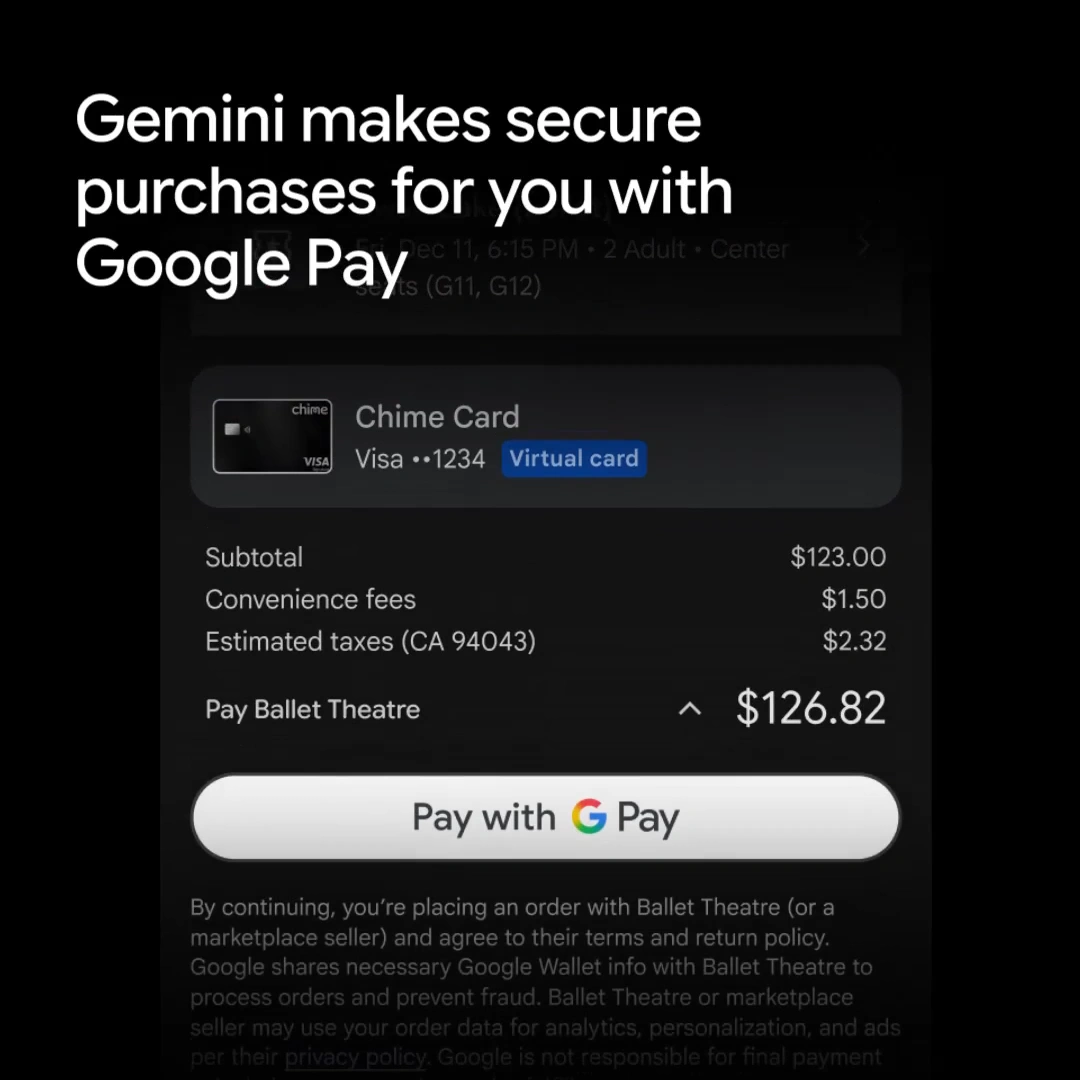
The card number has its own protection. Google Wallet says Gemini may use a virtual card number, a substitute for the underlying card number, when completing a purchase. That can limit the actual card information shared with a merchant. A bank statement can help identify the payment. Google’s privacy notice says it also saves these transactions in Google Pay Activity. How Google uses that history, including for personalization and ads, depends on the user’s Pay and Wallet settings.
What happens if the order needs to change
Before payment, Google says the shopper can cancel the purchase task from its conversation or remove it from the schedule. Changing an existing task calls for canceling it and creating another. Wallet’s Agents tab lets the shopper review active tasks, including the address, approved stores, expiry and confirmation setting. If the store was acceptable when an order was set up but the shopper finds a better offer the next morning, the opportunity to withdraw the request lasts until payment goes through. In the automatic path, that point can come without a separate confirmation prompt.
After payment, Google Wallet can show the merchant, amount, date and payment method in its Agents tab on the web and in the U.S. iPhone Wallet app. A receipt in Wallet helps the shopper identify the charge, and the merchant issues its own receipt. For a refund or a disputed payment, Google directs the shopper to the merchant or bank.
There is also a point between finding the item and getting an order confirmation. If an issuer or network declines payment, Wallet’s help page says the shopper has to resolve the issue and create a new purchase task. Finding a listing that fits the request is only one step. Stock must hold through checkout, the card must work and the merchant has to accept the order.
A household waiting for its usual filter can benefit from giving Gemini permission to move as soon as stock returns. If the delivery date, seller or terms can still change the decision, the moment before payment is where the shopper can act on those details. Once the order goes through, even a quick correction means dealing with a transaction that has already left the assistant.