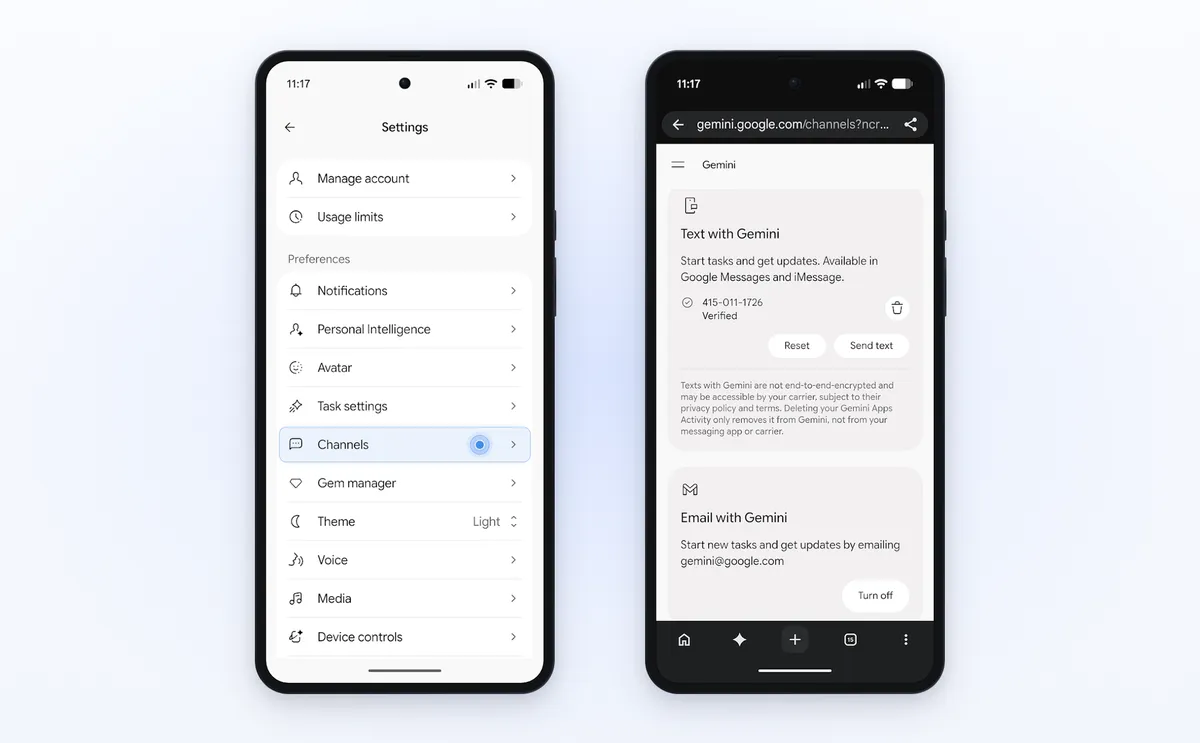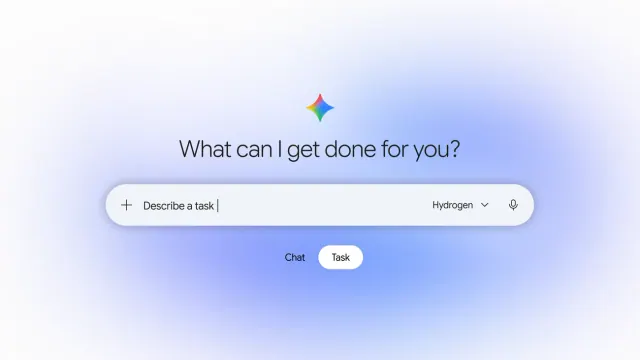
Google began rolling out free access to Tasks in Gemini on November 17 in the United States, Canada, Australia, India, Japan and South Korea. The feature uses Gemini 4 Hydrogen to carry out work in the background. It can, for instance, pull time-sensitive items from your email and calendar into a morning briefing and alert you when it finishes.
Who can use it
Open Task mode in the Gemini mobile app, the Mac app or Gemini on the web. You have to be 18 or older, sign in with a personal Google Account and keep Gemini History on. Work and school Google accounts are currently excluded. In other supported markets, Google requires an AI Pro or Ultra subscription, except in the European Economic Area, Nigeria, Switzerland and the U.K., where Tasks is unavailable.
Free access still counts toward Gemini’s usage limits. Google says the amount depends on the number and complexity of tasks, higher subscriptions raise the limits, and no more than 15 tasks can run at once. A scheduled task will not start if all 15 slots are occupied.
Calls and checkout start in the U.S.
English-language U.S. users can start or steer a task by text or launch one by forwarding an email as the features roll out. Texting requires a verified U.S. number and an eligible carrier. For purchases through Google Pay, you can set a price limit, review the itemized checkout and approve it on your device before Gemini places the order. Google says the checkout is rolling out in English on web, Android and iOS for eligible U.S. users.
In the U.S., Gemini can also call businesses to compare prices or ask about appointments. Google says you can review the call plan before it dials, that businesses can opt out and that Gemini identifies itself as AI. Calling is not currently available in Indiana, Louisiana, Minnesota, Montana or Nebraska.
Depending on the task and the permissions you grant, Gemini can use connected apps or browse sites in a remote browser or in Chrome on your desktop. Google says it is designed to ask for your confirmation before purchases, sensitive disclosures or other major actions. Gemini can share information with the sites it visits while it works. Users can inspect progress, step in or give the task new instructions.