
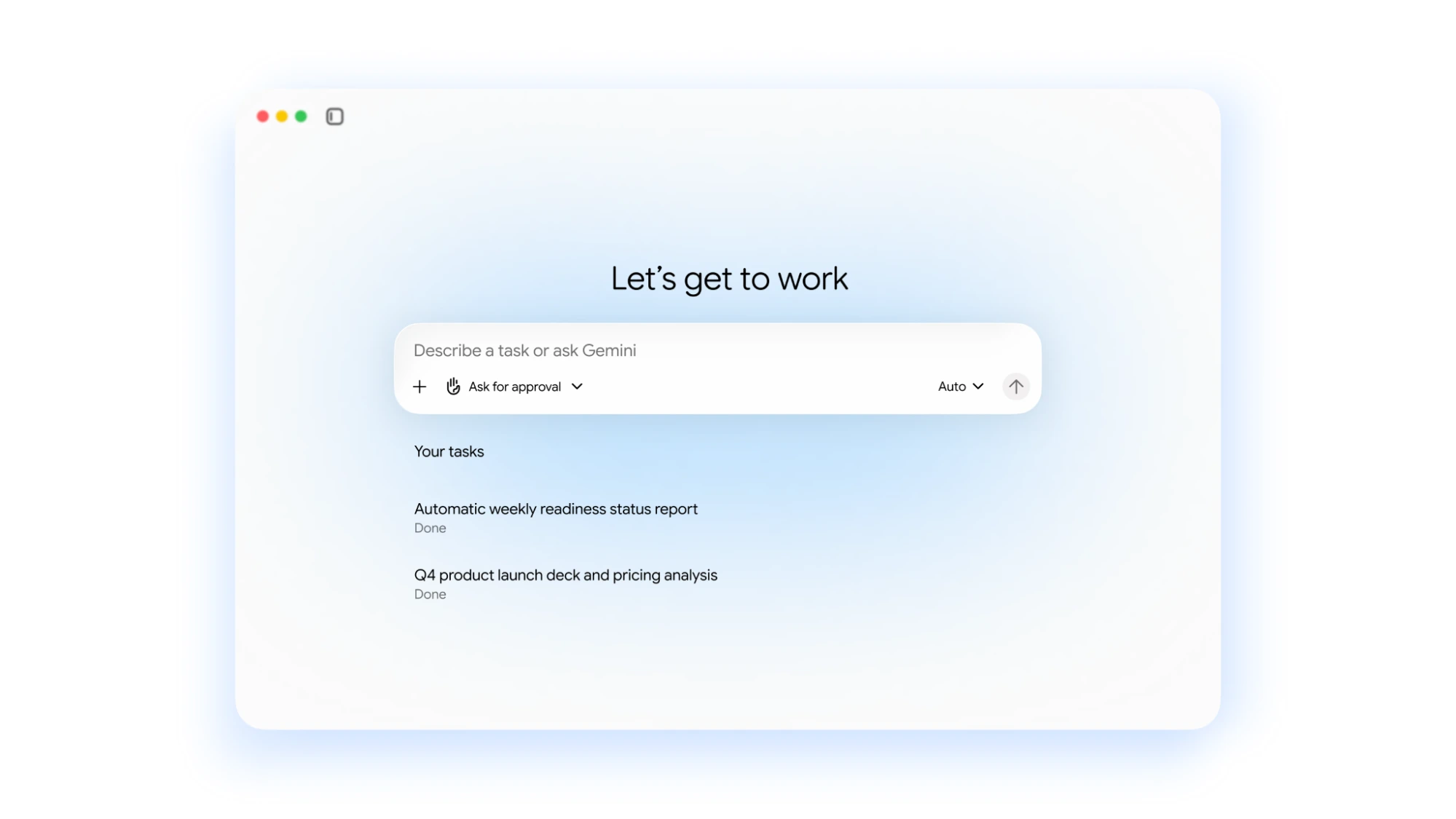
Google Cloud announced the Gemini agent on October 8 at Gemini at Work 2026. The enterprise product answers questions, creates content, writes and runs code, and carries out scheduled or event-triggered tasks across business applications. Google says it can keep working in the cloud after a user closes their laptop.
The agent is separate from the model underneath it. Google says users’ context, tools and workflows persist as the system routes tasks between models.
Model Choice, Skills, and Enterprise System Integrations
Google states that the Gemini agent functions as an orchestration layer rather than a single model wrapper. According to the company, the agent can dispatch sub-tasks to either its own Gemini model family or Anthropic's Claude models, with plans to integrate other proprietary and open-source models in the future.
To execute work across company systems, the agent connects to local desktops, enterprise platforms like Jira, Git, Salesforce, ServiceNow, Databricks, and Snowflake, as well as external Model Context Protocol (MCP) servers. Workflows can be defined through two modular tiers:
- Tools and Tool Registries: System integrations that allow agents to query internal databases, read external repositories, or interact with productivity software.
- Skills and Skill Registries: Reusable sets of prompt instructions and procedural logic that can be maintained at personal, team, or global enterprise levels.
Inline Workspace capabilities place the agent directly inside Gmail, Google Drive, Docs, Sheets, Slides, Calendar, and Google Chat. Within Workspace, the agent can operate either as an inline assistant or as an autonomous "coworker agent." According to Google, coworker agents receive dedicated identities, including distinct @agents.company.com email addresses and persistent storage, while restricting access strictly to files and communications explicitly shared with that agent.
Administrative Boundaries, Sandboxing, and Spend Controls
Google describes four controls for enterprise deployments:
| Governance Layer | Mechanism Described by Google | Operational Scope |
|---|---|---|
| Identity | Cryptographically attested agent identities | Stamped into action audit logs and execution virtual machines |
| Permissions | Administrator-approved role-based access control (RBAC) | Propagated to external applications via industry standards like OAuth |
| Execution Sandbox | Agent Sandbox isolation boundaries | Isolates compute execution for code generated and run by the agent |
| Policy Enforcement | Agent Gateway firewall | Inspects traffic in, out, and between agents against central security policies |
The system includes real-time project spend caps configured through the Cloud Billing Console. According to Google's architecture description, the system tracks cumulative token usage alongside Agent Sandbox compute costs. When a spend cap is triggered, the project’s agent pauses, and a user can resume work through the console. Google also describes Smart Routing to match workloads with models; its cost-saving claims are company statements.
Industry Previews and Availability Limitations
Google announced that industry-specific agent packages featuring preconfigured tools and compliance connectors are currently in preview for Financial Services and Legal domains, with versions for Government, Healthcare, and Retail designated as coming soon. The Financial Services package integrates data sources like SEC filings, FactSet, and LSEG, while the Legal package ingests document permission boundaries from platforms such as iManage and NetDocuments.
Google has not specified a common launch price or full regional rollout schedule in these announcements. The governance features are Google’s descriptions of the system, and spend caps operate at the Cloud project level.